
myQ Device | Unable to Add Device to a myQ Account
If you receive a Device Not Added message while adding a device to your myQ account, the device may be offline, out of range, already associated with another account, or not compatible with myQ.
Use the troubleshooting steps below to identify the cause.
Before You Begin
✅ Verify your mobile device has internet access
✅ Confirm the myQ device is powered on
✅ Verify the device has not already been added to another myQ account
Select Your Device
myQ Garage, myQ Smart Garage Hub, or myQ Smart Garage Control ⌄
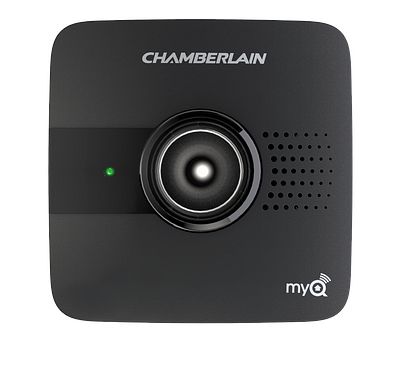
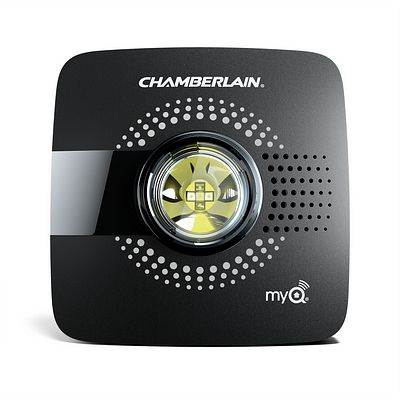
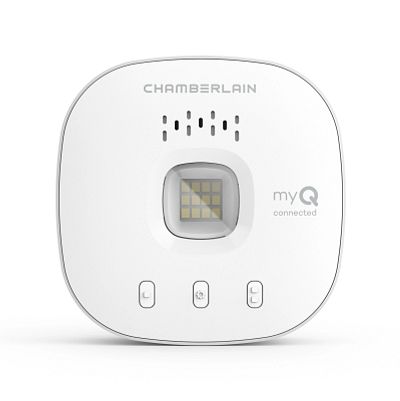
- The Wi-Fi Hub is connected to the server, as indicated by a solid green light visible on the Wi-Fi Hub.
- The router is within range of the hub — up to 150 ft (typically 50 to 100 ft). For help, see Range of myQ Devices.
- The garage door opener is compatible with the hub. See Garage Door Openers That Are Compatible with the myQ Smart Garage Hub and myQ Garage or Garage Door Openers That Are Compatible with the Smart Garage Control.
- The door sensor is working properly. See How to Test the Door Sensor.
- You have followed the proper steps to add the device, and the Wi-Fi Hub has been properly added to the account.
- The color of the LEARN button for Chamberlain, LiftMaster, and Craftsman garage door openers is the correct color. Over time these colors may fade — reference the chart below when selecting your color.
LEARN button color Color to choose during setup 
Purple LEARN buttonPurple 
Brown LEARN buttonPurple 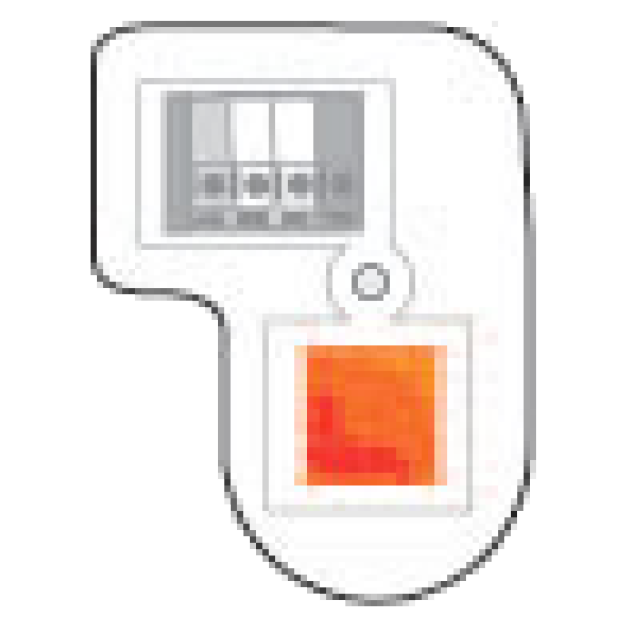
Orange LEARN buttonOrange
*Could be green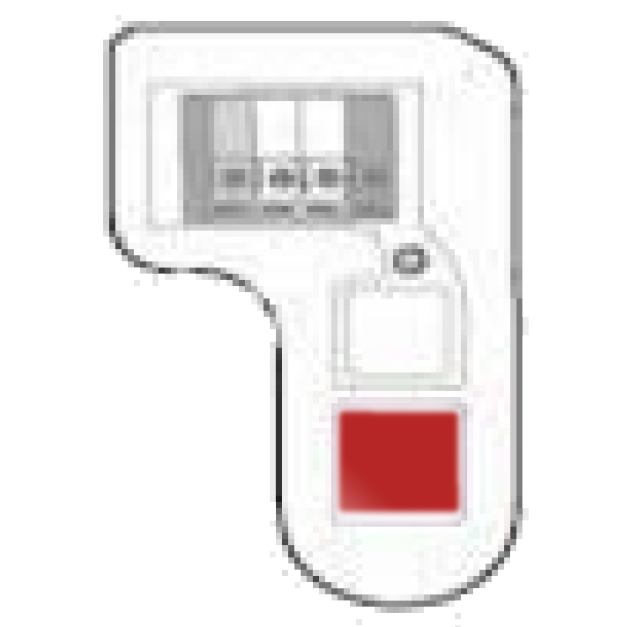
Red LEARN buttonRed
*Could be green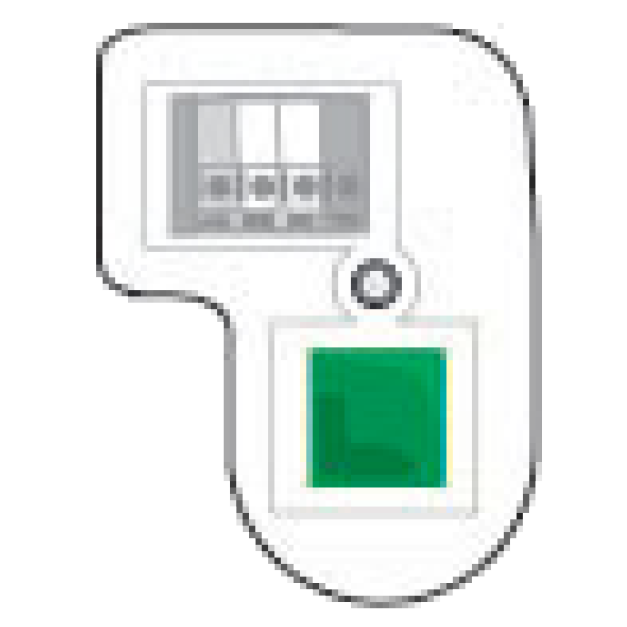
Green LEARN buttonGreen 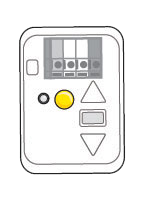
Yellow circle LEARN buttonYellow White LEARN button White *Chamberlain used to manufacture flex boards that allowed red and orange LEARN buttons to flex to green button units. In these cases, green would be the button you choose.
Wi-Fi garage door opener ⌄
- The Wi-Fi garage door opener has been connected to your home network, as indicated by a solid green LED under the black adjustment button.
- You have added the myQ serial number to your account and followed the proper steps to add a device, using the myQ app.
- The device is within 300 to 600 feet of the garage door opener.
Internet Gateway ⌄
- The Internet Gateway is connected to the myQ server, as indicated by a solid green LED light. If not, see How to Resolve Connection Issues with the Internet Gateway.
- You have followed the proper steps to add a myQ device. For the steps, see How to Set Up an Internet Gateway in the myQ App.
- You are adding a myQ-compatible device. See Compatible Accessories for myQ™/Sec+2.0 Enabled Garage Door Openers.
- The device is within 300 to 600 feet of the device. For help, see Range of myQ Devices.
myQ Camera ⌄
- The router is within range of the camera — up to 150 ft (typically 50 to 100 ft).
- Bluetooth is turned on during setup.
- You have forgotten the camera in Bluetooth settings on the phone. See How to Forget a myQ Camera in Bluetooth Settings.
- You have verified the LED status of the camera. See Unable to Connect the Garage Door Opener's Integrated Camera to Home Wi-Fi Network for the integrated camera, or Unable to Connect the myQ Smart Garage Camera to My Home Wi-Fi Network Overview for the standalone camera.
myQ Lock ⌄
- The myQ module is securely seated in the slot.
- The myQ serial number from the module is entered properly.
- Bluetooth is turned on, and the mobile device and lock are within Bluetooth range of each other.
Common Reasons a Device Cannot Be Added
Device Is Already Associated With Another Account
A myQ device can only be added to one account at a time.
See: myQ Device Ownership | Moving, Taking Ownership, and Error 310 Help
Device Is Offline
The device must be connected to the myQ server before it can be added.
Verify:
- Solid green LED where applicable
- Active internet connection
- Device appears online
- Bluetooth on your phone is on
Device Is Out of Range
Poor signal strength can prevent successful setup.
- Make sure that your phone is near the device during setup and that you have a strong home internet connection.
myQ Wi-Fi Network Requirements and Router Settings
Device Is Not Compatible
Verify the product supports myQ before setup.
If you are still unable to add a myQ device, see How to Resolve an Issue When Adding a myQ-Enabled Garage Door Opener or myQ Control Panel to My myQ Account. For how to delete a device from your myQ account, see How to Delete a Device From a myQ Account.


