
How to Find the Learn Button on My Garage Door Opener
Find the Learn Button on the Garage Door Opener
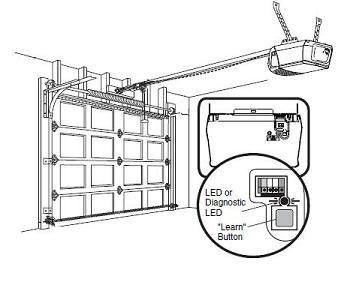
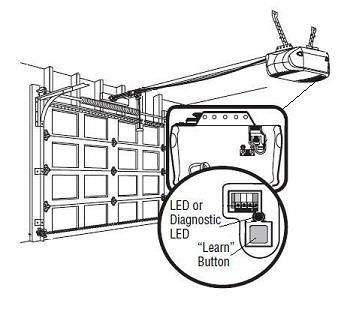
The "Learn" button on your garage door opener is located above the antenna wire that hangs from the motorhead, it may also be under a light cover. The "Learn" button will be either green, red/orange, purple or yellow.
Location of Learn Button on Garage Door Opener
The pictures below show the location of the garage door opener's Learn button depending on the light cover configuration.Light Cover on Front of Opener
Light Covers on Both Sides of Opener
Programming Remote Controls and Clear Garage Door Opener Settings
The "Learn" button on a garage door opener has two functions. (Note: Wi-Fi-enabled garage door openers have a third function of activating the Wi-Fi learn mode.)
- Program accessories to the opener
- Clearing the memory of the opener (this will erase all of the accessories that are programmed to the opener)
Garage Door Openers with a Purple, Red/Orange, or Green "Learn" Button
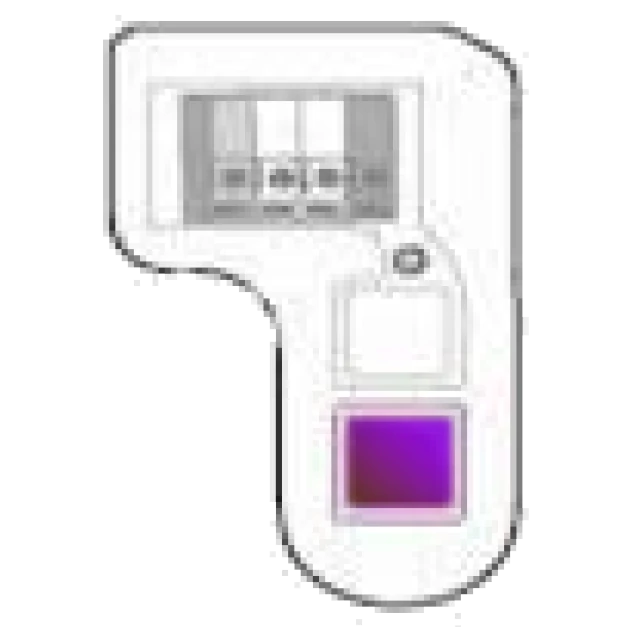
Purple
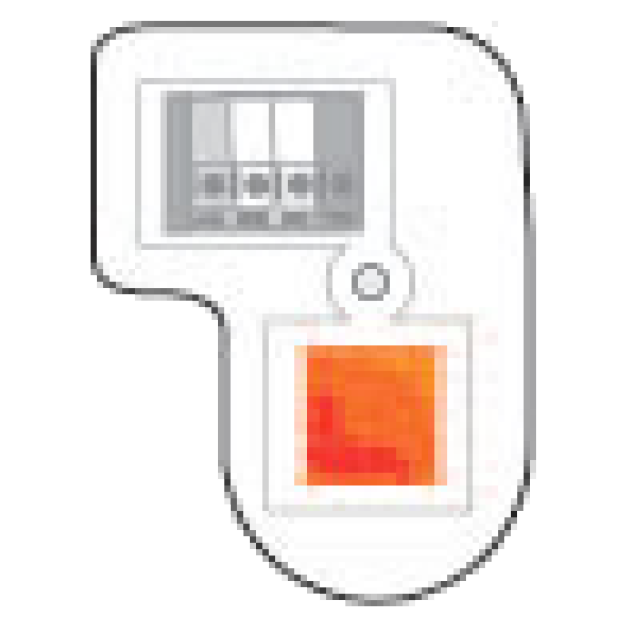
Orange/Red
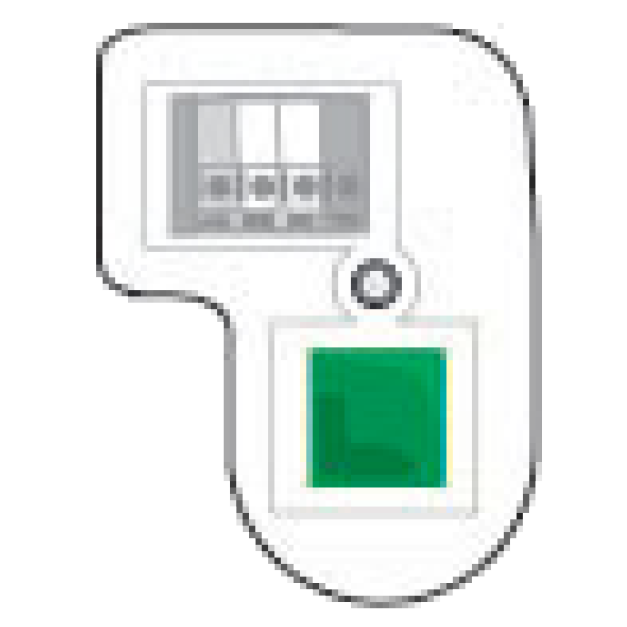
Green
Programming the Remote
- Press and release the learn button, the light will come on steady for 30 seconds.
Clearing the Memory
- Press and hold the "Learn" button, the LED will turn on, after 6 seconds the LED will turn off. This will clear out the handheld remote controls and keyless entry.
Garage Door Openers with a Yellow "Learn" Button
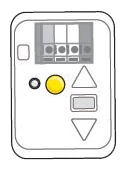
Yellow
Programming the Remote
- Press and release the learn button. The light will come on steady up to 2 minutes.
Clearing the Memory
- Press and hold the "Learn" button, the LED will turn on, after 6 seconds the LED will turn off. This will clear out only the handheld remote controls and keyless entry.
- Within 3 seconds of the LED turning off, press and hold the learn button again for 6 seconds. When the LED turns off a 2nd time, the myQ accessories will be removed from the garage door opener.
- Reprogram devices if necessary

Find Help By Product 

View More Brands

