
Remote Control Programming Overview
Learn how to program your remote control to a garage door opener. Use the links below to access model-specific manuals and setup guides, or see: How to Program a Remote Control to a Garage Door Opener
Most remote-control model numbers can be located on a sticker on the back of the remote and may require removal of the visor clip to find the model number on some models.
Latest Compatible Remote Controls
Chamberlain
LiftMaster
-
1-Button – L991S
Craftsman
ARQ Remotes
Legacy Remotes - Discontinued
Note: Existing accessories listed below will be discontinued once inventory is depleted. For the latest compatible remotes, use the Compatibility Tool.
Chamberlain Remote Controls
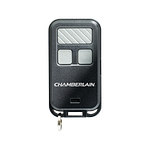
953EV and 956EV (includes 953EVC and 956EVC)
- 3-Button Remote Controls Owner's Manual
- For models 953EV, 953EV-P2, 953EVC, 953EVC-P2, 956EV, 956EV-P2, 956EVC, and 956EVC-P2
LiftMaster Remote Controls
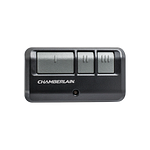
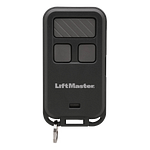
890MAX and 893MAX
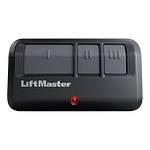


Chamberlain and LiftMaster Universal Remote Controls
If you do not see your Universal model listed below, please review our currently supported Chamberlain and LiftMaster universal remotes
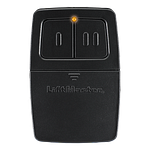
375UT and 380UT
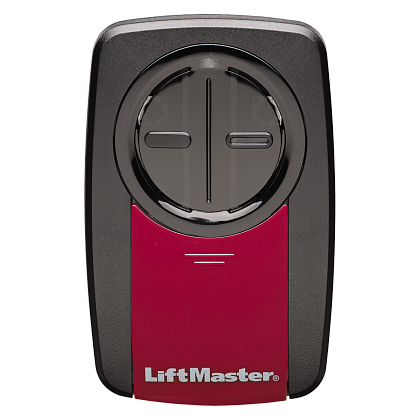
KLIK1U
KLIK5U
KLIK1U and KLIK5U to Genie
- How to program a KLIK1U or KLIK5U to a Genie Intellicode, or Overhead CodeDodger
- Chamberlain KLIK5U, KLIK3U Programming Instructions - English, French
KLIK1U to Genie IntelliCode 2
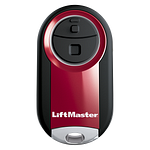
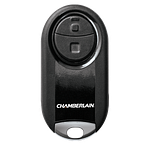
MC100 (includes MC100-P2, MC100C and MC100C-P2)
Additional Support
- If you're looking for a new remote, use our Compatibility Tool to find one that works with your opener.
- Programming will not erase if the opener is unplugged for any duration of time even if it is for a long period of time. If the opener memory needs to be cleared, see How to Erase the Memory from a Garage Door Opener.
- For help programming your car's built in remote visit: www.HomeLink.com for instructions.

Find Help By Product 

View More Brands

