Smart Garage Hub FAQs
The Smart Garage Hub allows you to monitor and control your garage door from anywhere and receive real-time notifications with the myQ App. Below are answers to frequently asked questions about the Smart Garage Hub.
- Is myQ compatible with Alexa?
- Is my garage door opener compatible with Smart Garage Hub/Smart Garage Control?
- What if my LEARN button color is not shown during device setup?
- Why does the Smart Garage Hub beep when my garage door closes? Can I turn this off?
- Why does my garage door only open via the app, but not close?
- Why does my garage door show that it is closed in the app, when it is open?
- How can I improve my Wi-Fi connection to the Smart Garage Hub?
- What should I do if my garage door opens on its own?
- How do I reset my password?
Is myQ compatible with Alexa?
Chamberlain and LiftMaster evaluate each partner opportunity on a case by case basis. We are aware that many of our app users have requested an Amazon Alexa integration in the past, and we will keep that in mind as we define our future technology road map with potential partners.
Is my garage door opener compatible with Smart Garage Hub/Smart Garage Control?
The Smart Garage Hub/Smart Garage Control works with most brands of garage door openers manufactured after 1993.
-
To check if your garage door opener is compatible with the Smart Garage Hub please review our compatibility list at: Garage Door Openers Compatible with the myQ Smart Garage Hub and myQ Garage
-
To check if your garage door opener is compatible with the Smart Garage Control please review our compatibility list at: Garage Door Openers That Are Compatible with the Smart Garage Control
What if my LEARN button color is not shown during device setup?
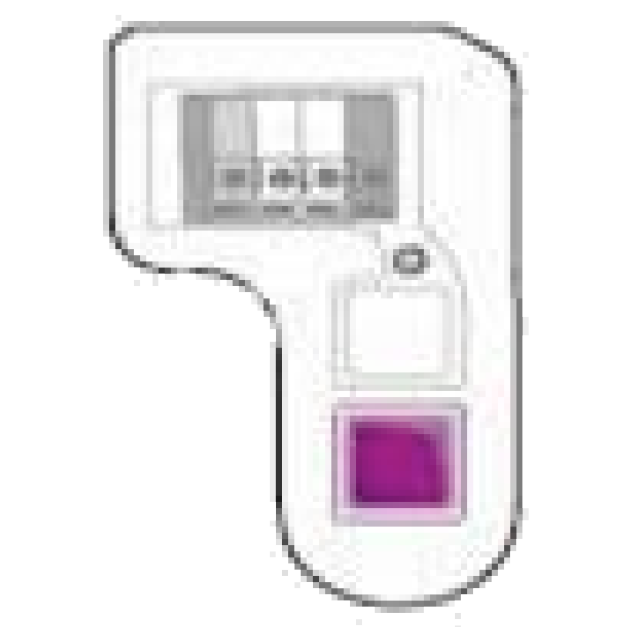
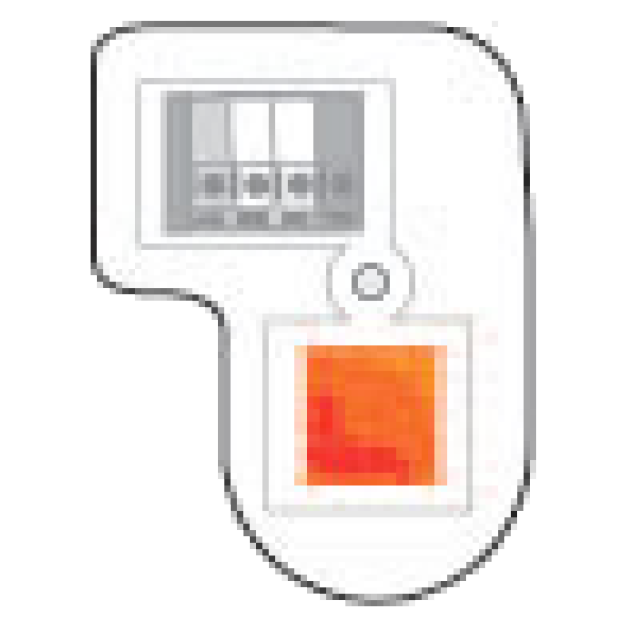
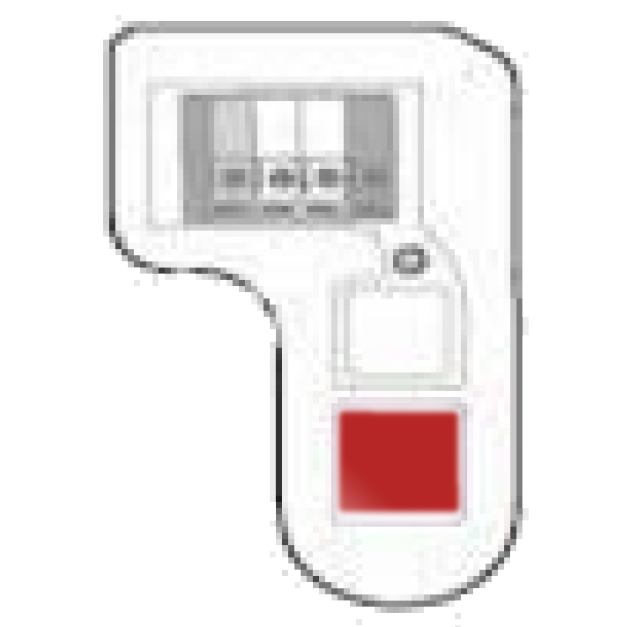
LEARN button colors are specific to Chamberlain, LiftMaster and Craftsman garage door openers. Over time these colors may fade. Please reference the chart below when selecting your color.
|
LEARN Button Color |
Color to Choose During Setup |
|---|---|
|
|
Purple |
|
|
Purple |
|
|
Orange |
|
|
Red |
|
|
Green |
|
|
Yellow |

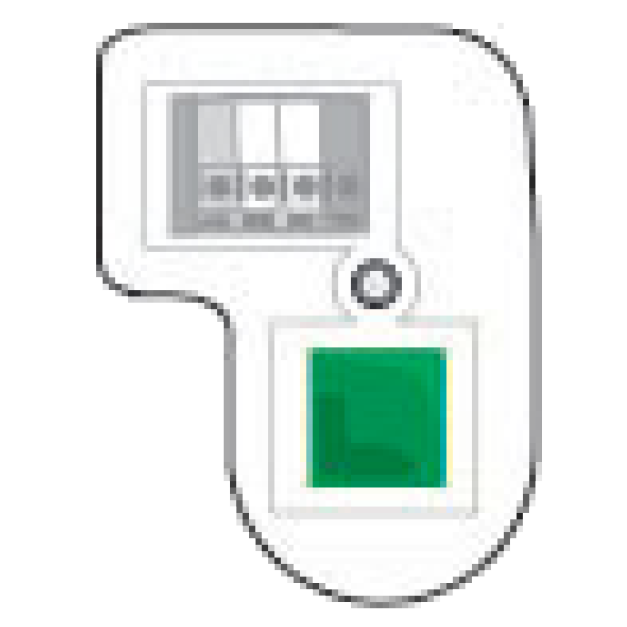
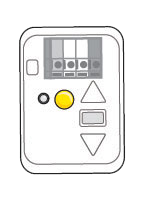
*Chamberlain used to manufacture flex boards that allowed Red and Orange Learn buttons to flex to green button units. In these cases, green would be the button you choose.
Why does the Smart Garage Hub beep when my garage door closes? Can I turn this off?
When remotely closing your garage door opener, the Smart Garage Hub is required by safety regulation UL 325 to alert bystanders that the garage door is about to close. This feature cannot be disabled.
Why does my garage door only open via the app, but not close?
This may indicate your Smart Garage Hub is not properly located according to the installation recommendation. Make sure that your Smart Garage Hub is mounted on the ceiling, on the wall or side wall, opposite the garage door, 6 feet above the ground, and near an electrical outlet. Door sensors must be mounted in the top right or left corner of the door, with the “top” marking facing up.
Why does my garage door show that it is closed in the app, when it is open?
You will first need to ensure your door sensor is properly located according to the installation recommendation. It is also possible that the door sensor and the Smart Garage Hub are out of sync. In this situation, it is recommended that you attempt to operate the garage door opener locally from the control panel on the wall or a handheld remote control. Open and close the door twice to remedy this issue. Lastly, consider the possibility your door sensor battery is dead and cannot report the door position to the hub. In this case, replace your door sensor battery and operate the door.
How can I improve my Wi-Fi connection to the Smart Garage Hub?
Your Smart Garage Hub must be within 50 feet of your Wi-Fi router. If the Wi-Fi signal in the garage is weak, try moving the router closer to your garage to minimize interference from walls and other objects. If you are still experiencing issues with a low signal, a Wi-Fi extender may be needed.
What should I do if my garage door opens on its own?
This action was most likely not caused by myQ, but from a local remote or keypad. You will need to erase your garage door opener’s memory, by pressing the LEARN button and reprogramming all your remotes, keypads, and Smart garage hub to your garage door opener. If this does not resolve your issue, check the wiring and wall controls.
How do I reset my password?
Open the myQ App and select “Forgot Password”. Then follow the prompts to reset your password. You will need to have access to the email registered to your myQ account. If you do not have access to that email account, you will need to factory reset your Smart Garage Hub and start over with a new account.