

Program a 940EV Wireless Keypad from Chamberlain
For models 940EV, 940EV-P2, 940EVC and 940EVC-P2
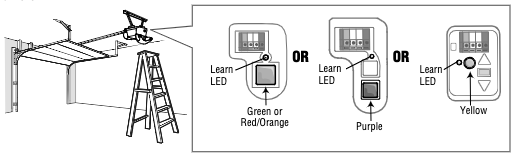
Locate the LEARN button on your garage door opener - the color of the button will determine the method of programming.
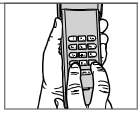
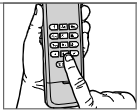
- Press and hold the * and # buttons together until the lights on the keypad stop blinking.
- Enter a 4-digit PIN of your choice, then press the # button.
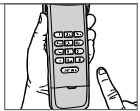
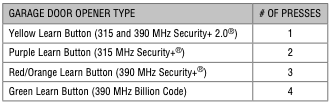
- Press and release the ENTER button on the keypad the number of times that corresponds with your type of garage door opener:
- press and release the 0 (zero) button.
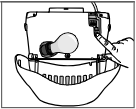
- Press and release the LEARN button on the garage door opener.
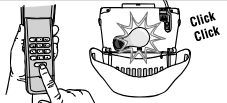
- Within 30 seconds of pressing the LEARN button, enter your 4-digit PIN on the wireless keypad and then press ENTER until the garage door opener lights flash or you hear two (2) clicks.

Find Help By Product 

View More Brands

