

myQ Device | Unable to Add Device to a myQ Account
This article provides troubleshooting steps for the “Device Not Added” error when adding a myQ device to a myQ account, including compatibility, connectivity, and account ownership checks.
If your myQ Garage Hub, Smart Garage Hub, or Smart Garage Control appears offline and can't be controlled in the myQ app, the issue is usually related to power, Wi-Fi, or changes to your home network.
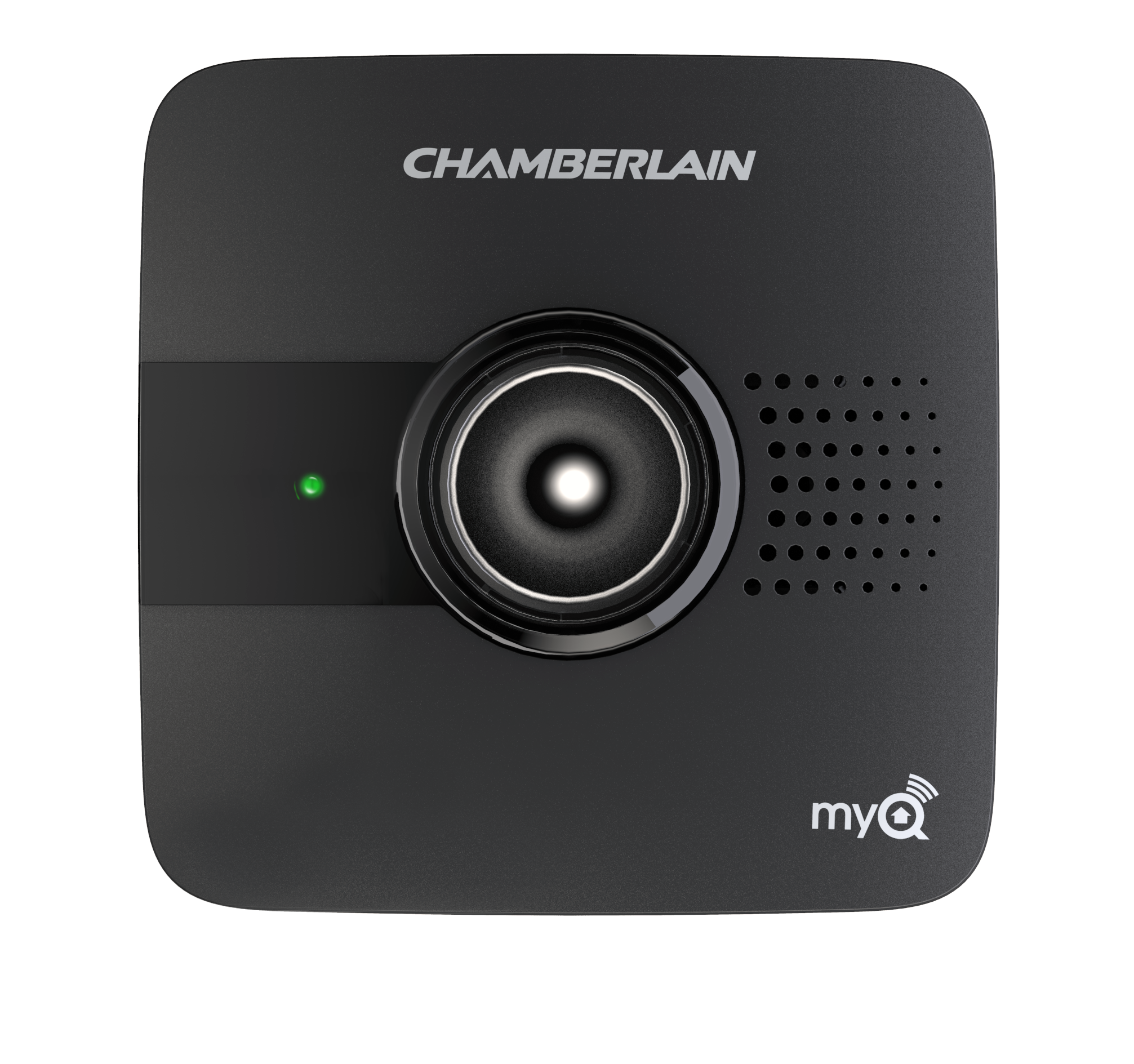
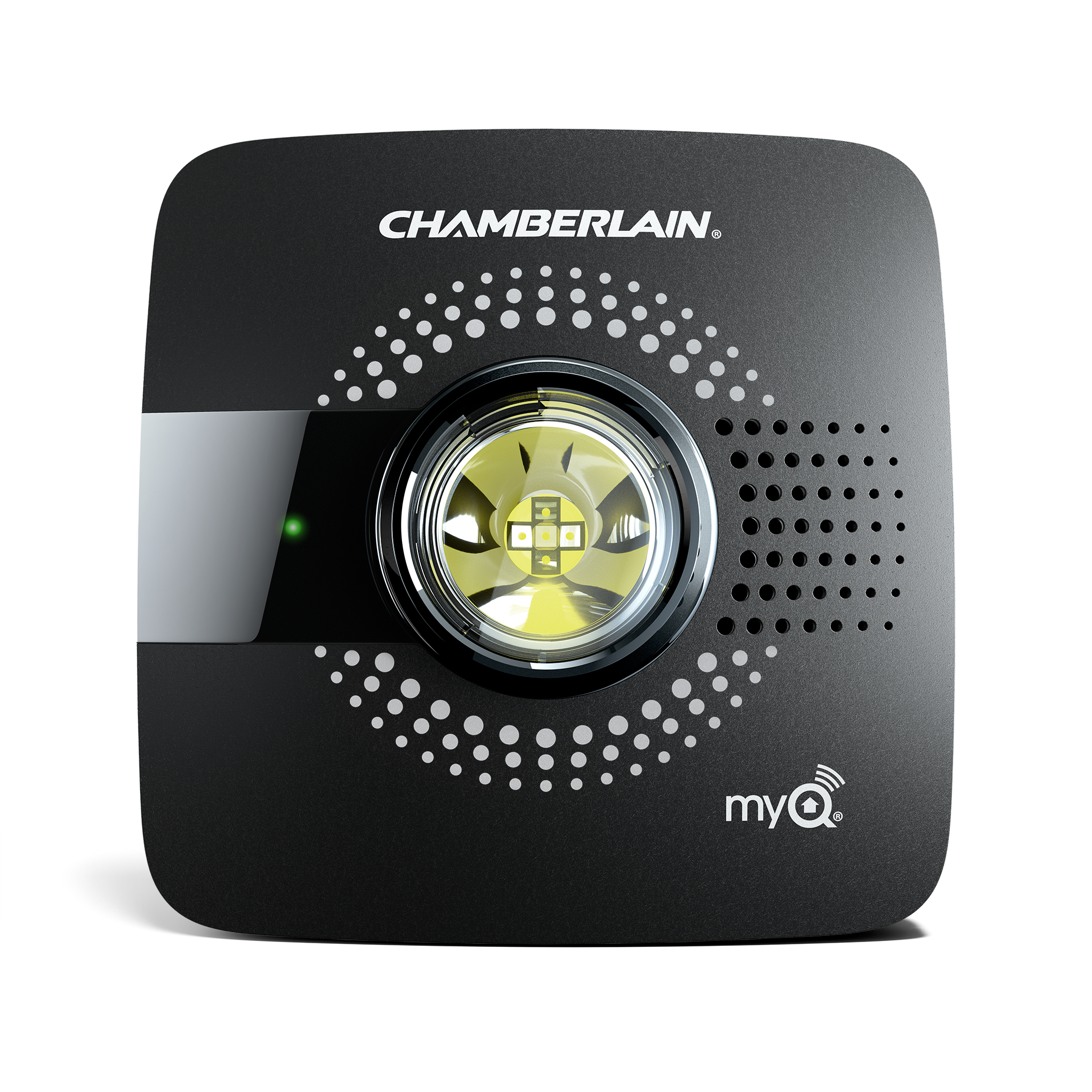
Make sure that your device is plugged into a working outlet. Test the outlet with another device if you're unsure.
Unplug your router or modem for 10–15 seconds, then plug it back in.
Make sure your router is connected to the internet. If you're not sure, contact your internet service provider to troubleshoot or check for an outage.
If you changed your Wi-Fi password, network name (SSID), or installed a new router you’ll need to reset and reconnect your device.
The LED light helps show if your device is connected.
See Unable to Connect a myQ Device to Home Wi-Fi Network Overview to continue troubleshooting.
If your garage door opener has built-in Wi-Fi (no separate hub):
Ceiling Mount Garage Door Opener LED Light Location

