
Program a Light Control to a Wi-Fi Garage Door Opener or Hub
A light control is myQ device that can be programmed into your myQ account or directly into a myQ-connected garage door opener. See below for more information on the type of device you are programming a light to. For information on how to add your light control to the myQ account, see How to add a device to a myQ Account.
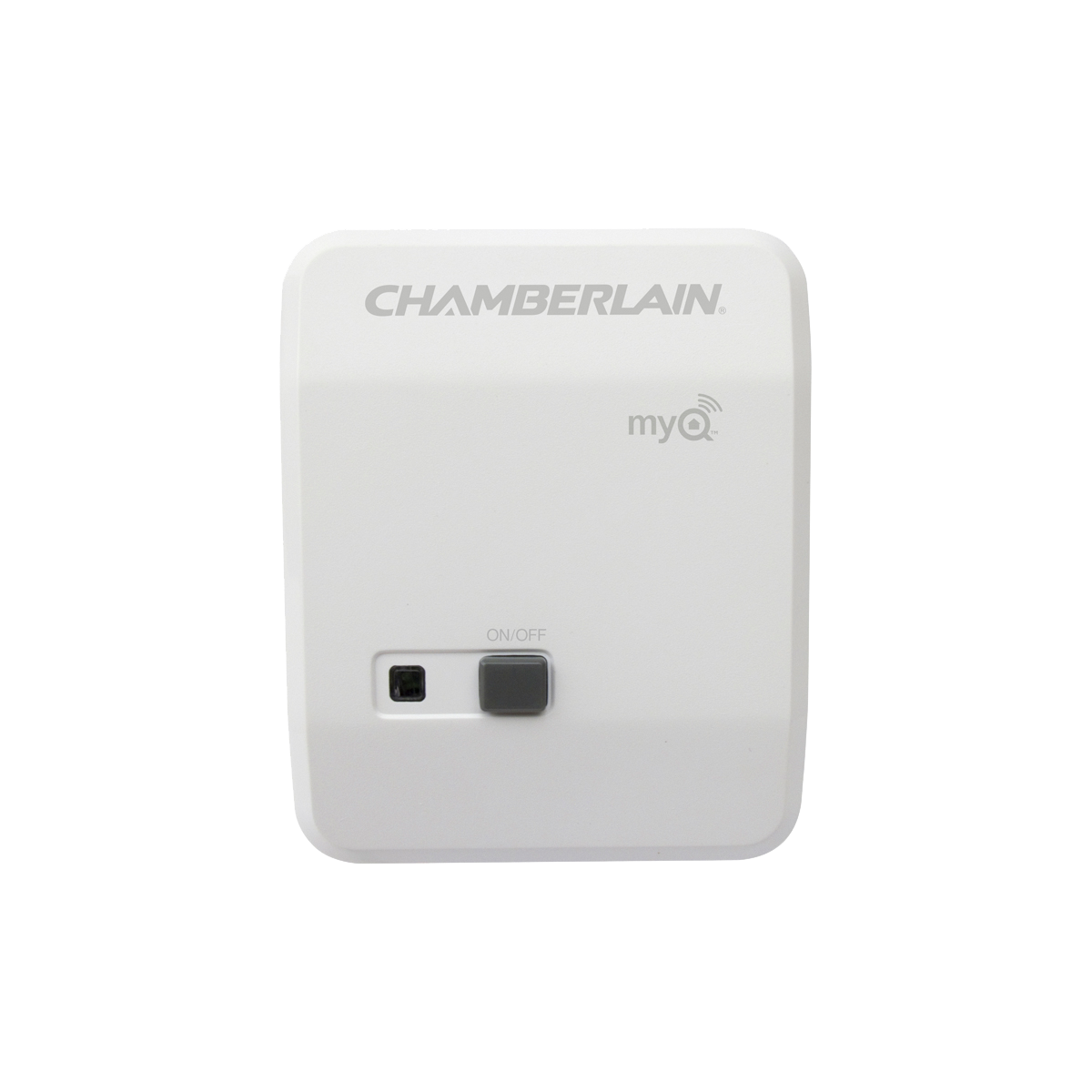
PILCEV-P1 myQ Remote Light Control from Chamberlain

WSLCEV-P1 myQ Interior Light Switch from Chamberlain
myQ Connected Garage Door Opener
Depending on your brand of myQ-connected Garage Door Opener, your system has the ability to learn either 8 or 16 myQ Devices, Garage Door Monitor, and Light Controls. See the user's manual of your unit to identify how many accessories your system can program directly to. If a light control is programmed directly to a garage door opener, the light control will turn on when the garage door opener is activated and turn off after the preset time of 4-1/2 minutes.
To Program the Light Control Directly to a myQ Connected Opener:
- Press and release the learn button on the myQ-connected Garage Door Opener.
- Press and release the learn button on the side or under the cover of the light control.
- The lights on the opener will flash to indicate the light has been paired.
- Note: The light control will not be added to the myQ app. The light can still be added to the myQ app separately.
myQ Garage, Smart Garage Hub, and Smart Garage Control
he myQ Garage, Smart Garage Hub, and Smart Garage Control has the ability to add myQ Light controls to your myQ account. The myQ Light controls can then be monitored and controlled via an app. However, these light controls won’t automatically turn on or off when the garage door is activated, unless you have a myQ-connected garage door opener.
myQ Garage
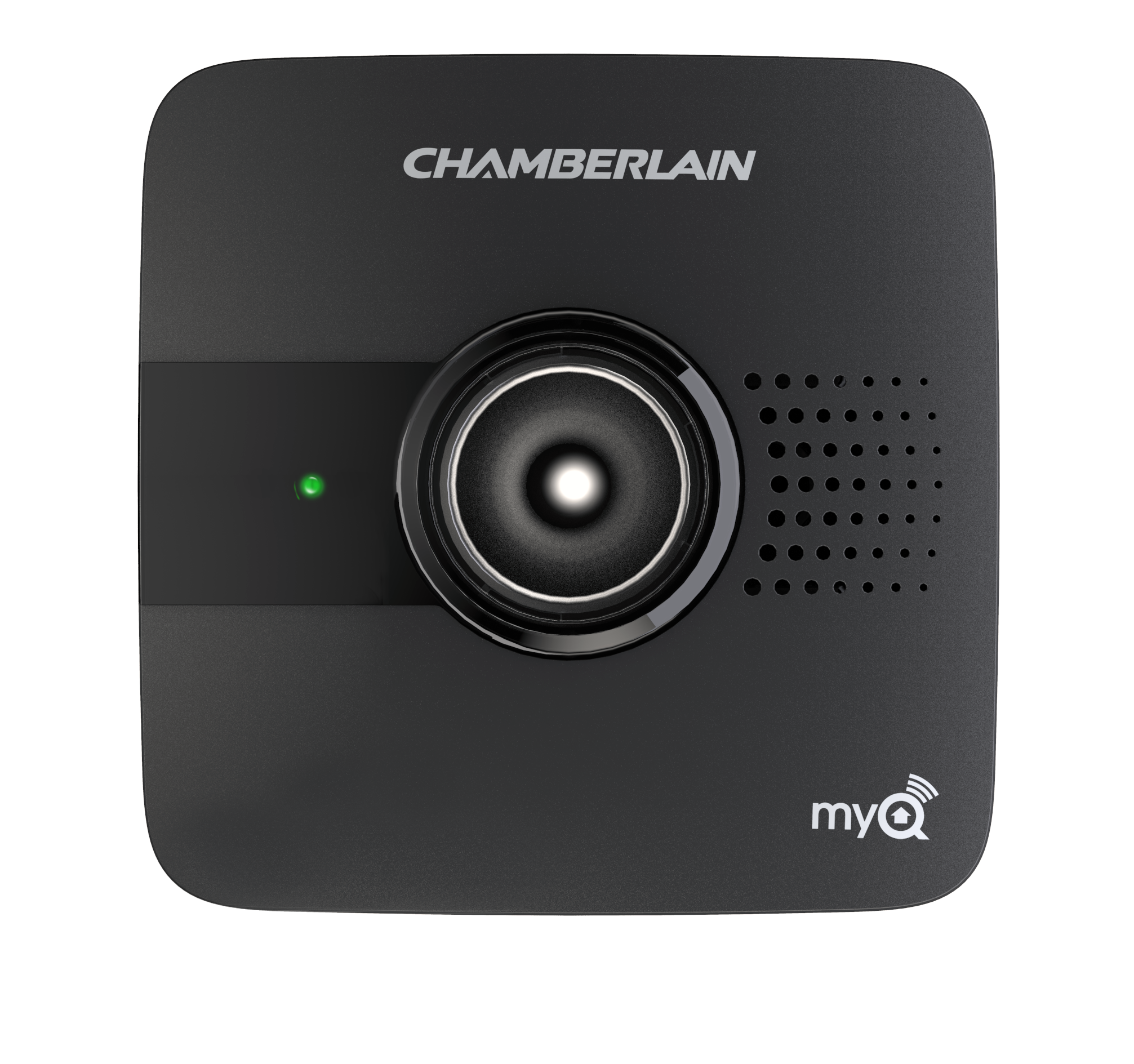
myQ Smart Garage Hub
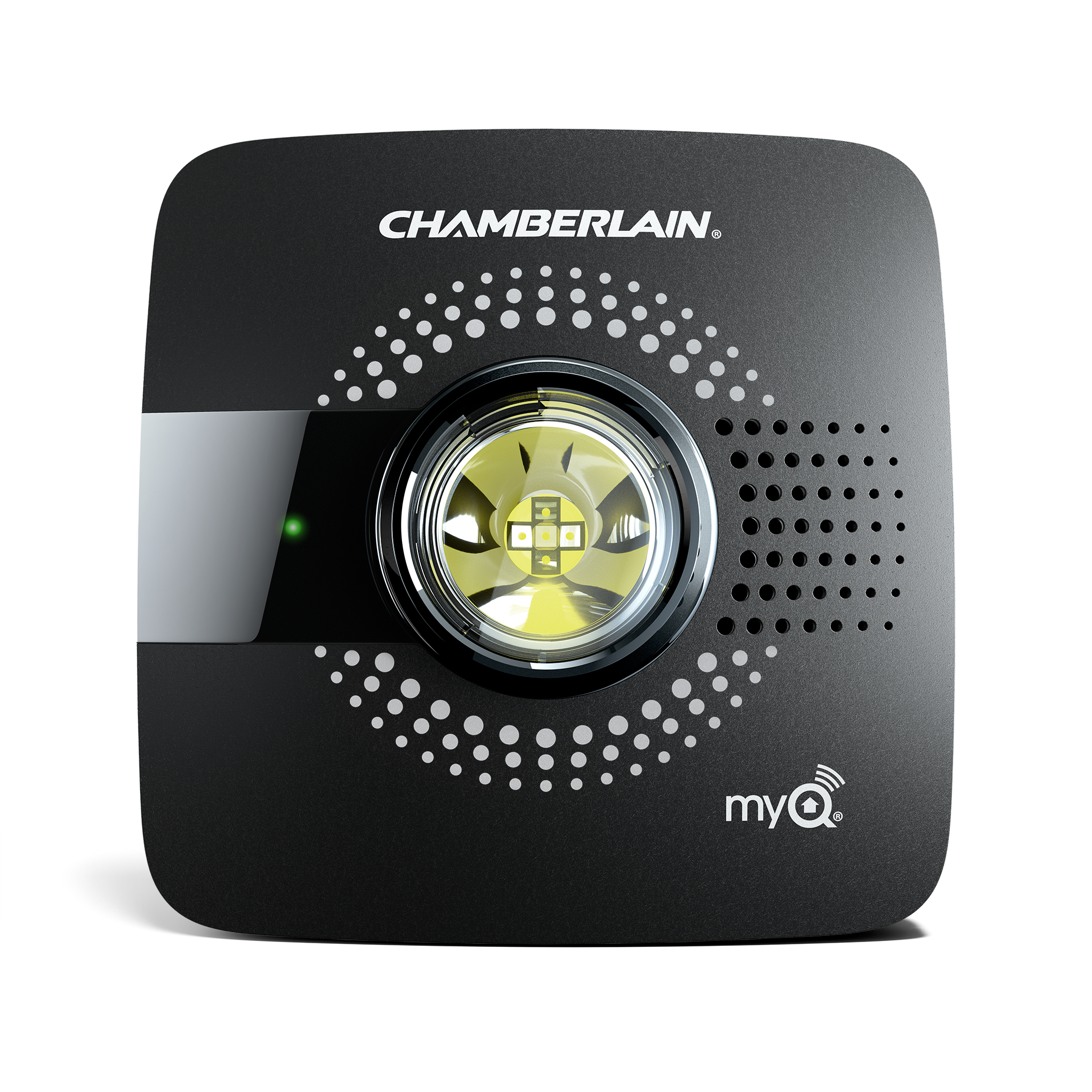
Smart Garage Control
Wi-Fi Enabled Garage Door Opener
The Wi-Fi-enabled garage door opener has the ability to program 6 myQ devices directly to the garage door opener (Garage Door Monitor and Light Controls), or 10 light controls or Garage Door Monitors directly to a myQ account. If a light control is programmed directly to a garage door opener, the light control will turn on when the Garage Door Opener is activated, and turn off after the preset time of 4-1/2 minutes.
Note: You can add up to 16 myQ Light Controls to your myQ Home Control App.
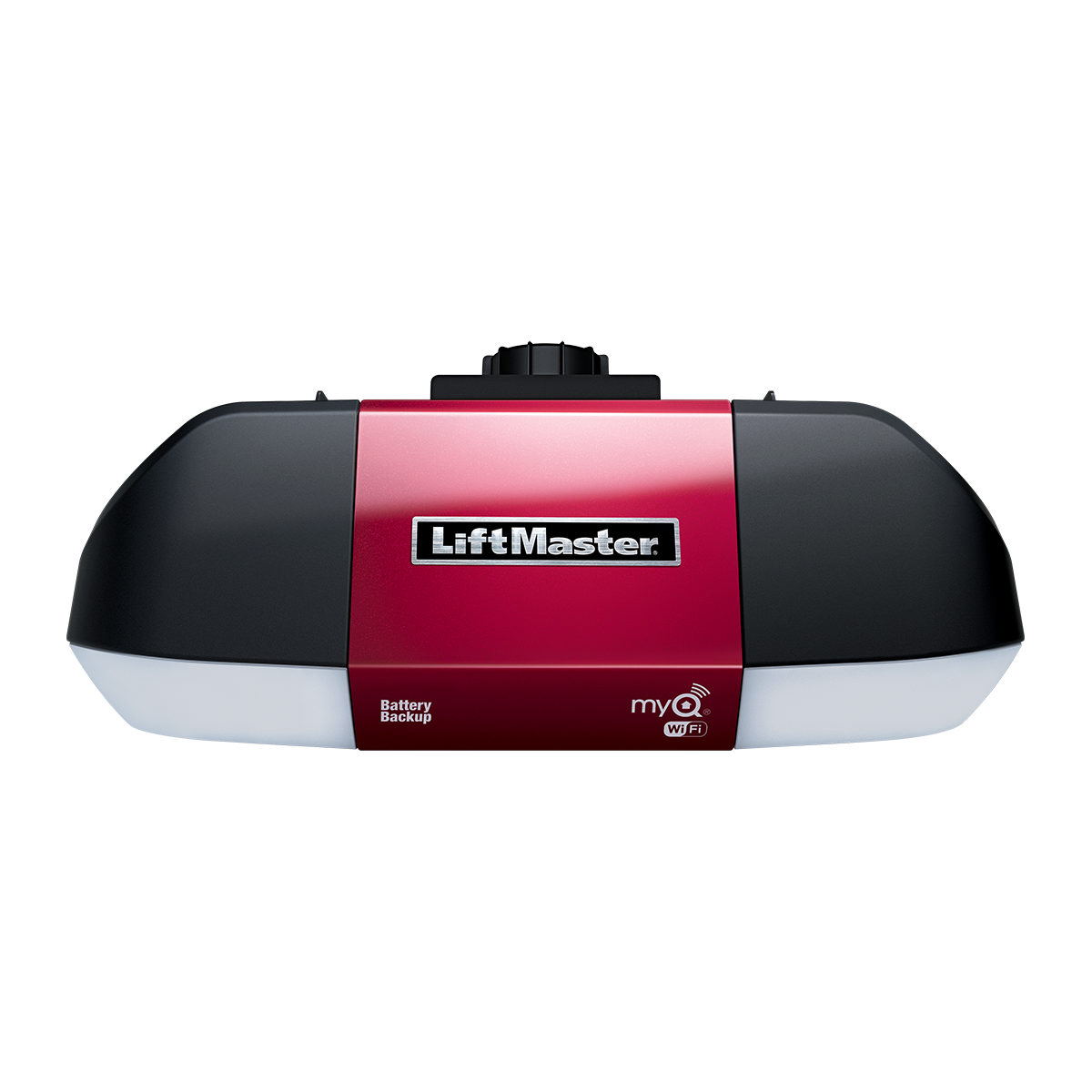
To Program the Light Control Directly to the Wi-Fi-enabled Garage Door Opener:
- Press and release the learn button on the Wi-Fi-enabled Garage Door Opener.
- Press and release the learn button on the side or under the cover of the light control.
- The lights on the opener will flash to indicate the light has been paired.
Note: The light control will not be added to the myQ app. The light can still be added to the myQ app separately.
Assurelink Garage Door Opener
The Assurelink Garage Door Openers has the ability to learn up to 8 devices, including Assurelink devices, garage door monitor, or light controls. See the user's manual for your unit to identify how many accessories your system can program directly to it. If a light control is programmed directly to a garage door opener, the light control will turn on when the garage door opener is activated and turn off after the preset time of 4-1/2 minutes.
To Program the Light Control Directly to the Assurelink Garage Door Opener:
- Press and release the learn button on the Assurelink Garage Door Opener.
- Press and release the learn button on the side or under the cover of the light control.
- The lights on the opener will flash to indicate the light has been paired.
- Note: The light control will not be added to the myQ app. The light can still be added to the myQ app separately.


