

Step 1
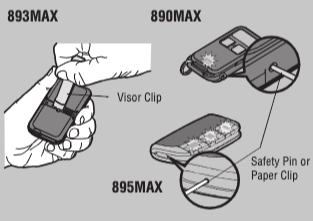
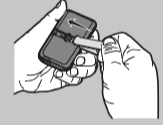
Press and hold the program button on the remote control until the LED on the front of the remote control turns on.
Step 2
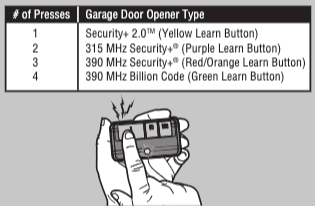
Press and release the remote control button you wish to program the number of times that corresponds with the garage door opener type.
Step 3
To exit programming mode, press any button on the remote control except the button that was just programmed.
Step 4
Press and release the Learn button on the garage door opener.
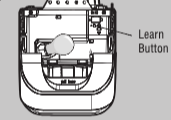
The Learn LED will light up within 30 seconds.
Step 5
Press and hold the remote control button programmed in Step 2 until the garage door opener lights flash or you hear two clicks.

Step 6
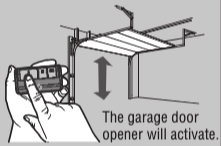
To test, press and release the programmed button on the remote control.
Step 7 (not applicable for 890MAX)
Install the visor clip.

Find Help By Product 

View More Brands

